Loongbuy Sneaker Link Check: Site vs Sheets
Loongbuy Sneaker Link Check: Site vs Sheets
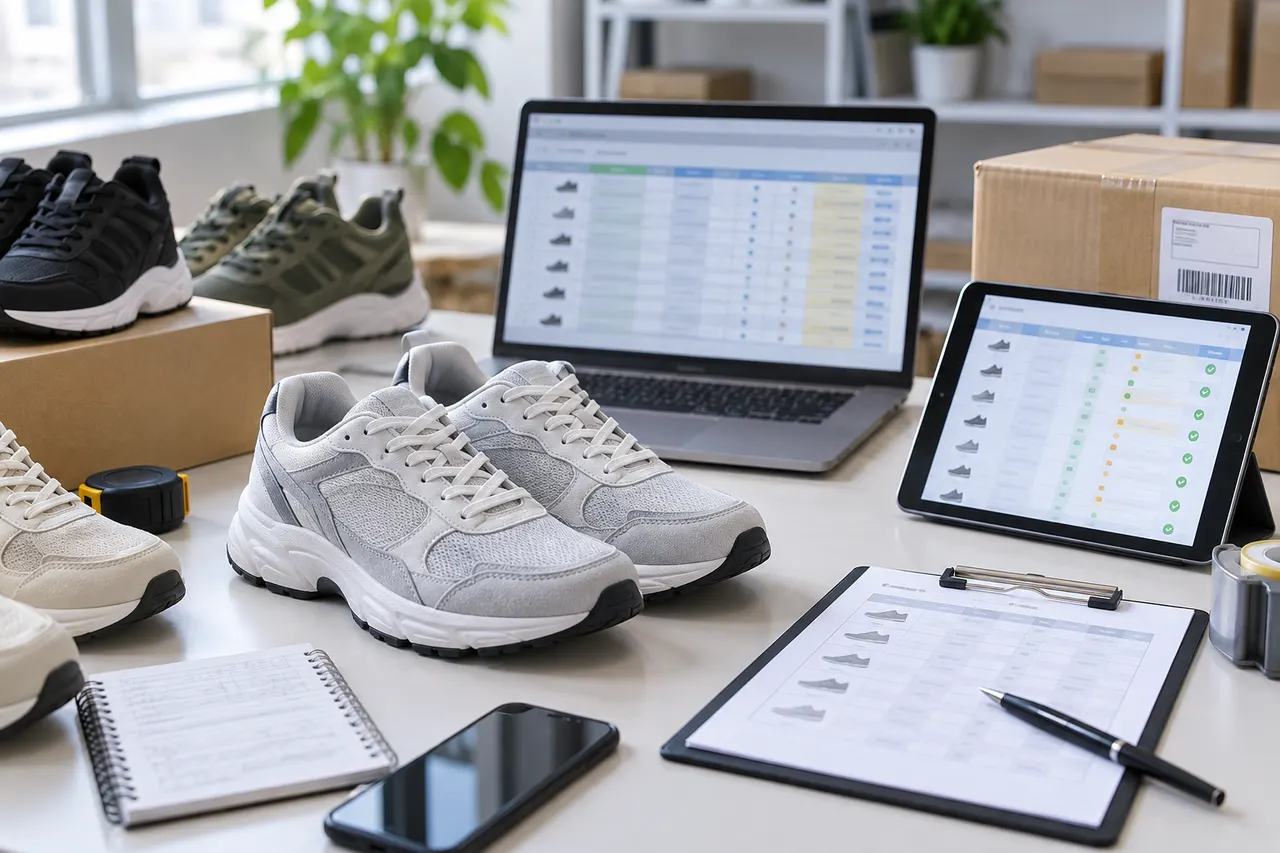
Caption: When checking loongbuy sneaker links, the website-based spreadsheet and Google Sheets candidate list need to retain the same product source, specifications, and status records.
First, clarify the sneaker link check task
Checking loongbuy sneaker product links is not simply about whether the link opens. What you really need to confirm is: whether the candidate comes from a recognizable product page, whether the sneaker name, color, size, price, or order entry point is clear, and whether this information can be recorded for later QC, consolidation, and after-sales tracking.
This article is for buyers who are organizing sneaker candidates, preparing to order through loongbuy, or who need to cross-check link sources between the website spreadsheet and Google Sheets. After reading, you should be able to decide whether a sneaker link is worth keeping, needs supplementary notes, or should be removed from the candidate list.
This article is not for determining authenticity of shoes, guaranteeing stock, predicting final shipping costs, or confirming a seller's long-term reliability. Prices, stock, size options, shipping routes, and platform page status may change. The verification boundaries in this article are based on executable manual verification methods as of 2026-09-08; you should still reopen pages to confirm before actually publishing or ordering. 🔎
Direct jump path of loongbuy website-based spreadsheet
The advantage of loongbuy's website-based spreadsheet is the short path. Buyers usually enter from the site's organization page or product table entry, click on the sneaker candidate, and directly view the corresponding product information. This path is suitable for quickly determining whether a link is still accessible and whether the page has enough information to support the next step of ordering.
When checking, first look at three things: whether the page loads normally, whether the product name or title is clear, and whether the specifications area allows selection or at least identification of key items such as color, size, version. If you only see a blank page, abnormal redirect, pure image collection, tabs without product names, or insufficient page information to determine the specific shoe model, you should not treat it as a valid product page.
For sneakers, pay special attention to size expression. Different source pages may use EU, US, UK, CM, or Chinese sizes; you cannot just record a "42" and assume it is buyable. A safer approach is to write down the size system shown on the page in the notes, for example "EU 42, no foot length explanation on page" or "size options include 26.5cm, need to confirm with order notes." 👟
How to copy, open, and record links in Google Sheets
Google Sheets is more suitable for candidate organization rather than final status judgment. It can save multiple source links, notes, filter status, size preferences, and verification dates, but the link in the spreadsheet itself does not prove that the product is still purchasable.
When opening sneaker links from Google Sheets, it is recommended not to just click the displayed text in the cell. Copy the full URL and confirm it has not been truncated by the spreadsheet, auto-formatted, or pasted as incorrect jump text. After opening, compare the actual landing page with the spreadsheet record item by item: source platform, product title, color, size, price display, optional specifications, whether notes are needed.
If a row has multiple candidate links, avoid writing link A's price to link B, or link B's size note to link C. The value of Google Sheets is traceability, so each candidate should have an independent row, or at least note in the remarks "main link", "backup link", "size reference only".
Compare and check source page, specification options, and product status
The website-based spreadsheet is more like a quick entry point, while Google Sheets is more like a workbench. When checking sneaker links, you should not choose only one tool, but let the two take on different tasks.
First confirm on the loongbuy page that the link leads to a recognizable product page, then go back to Google Sheets to record the verification result. The record doesn't need to be complex, but it must support subsequent decisions: what the shoe is, where the source is, whether specifications can be selected now, and why it should be kept or deleted.
If the source page shows multiple colors, versions, or store options, don't just write "buyable". Write out the specific color and size the buyer actually needs. One of the most common problems with sneaker orders is that the candidate link looks correct, but the ordered specification is not what the buyer wanted.
Use a table to record the differences between website path and spreadsheet path
Check Item | loongbuy Website-based Spreadsheet | Google Sheets |
|---|---|---|
Main Use | Quickly open in-site product candidates and check if page is accessible | Organize multiple candidates, note verification dates and filter results |
Link Judgment | Focus on whether landing page has product name, specifications, and ordering info | Focus on whether URL is complete, and whether record matches landing page |
Sneaker Specifications | Suitable for real-time viewing of color, size, version options | Suitable for saving target size, preferred color, and notes to confirm |
Risk Points | Page status may change; cannot rely solely on historical entry | Spreadsheet content may be outdated, copied incorrectly, or inconsistent with landing page |
Suggested Action | Confirm orderability immediately after opening page | After each check, write date, status, and next step |
The point of this table is not to select a single correct tool, but to avoid mistaking "there is a link in the spreadsheet" for "the product is currently orderable." A truly usable candidate must simultaneously be openable at the source, have confirmable specifications, and be traceable in records. ✅
How to cross-check QC photos, size notes, and link info
Post-order QC photos cannot replace pre-order link checking, but they can be used in reverse to check whether the link and specifications are consistent. After receiving QC, first compare the shoe model, color, shoe box label, and size marking in the photos with the target record in Google Sheets.
If QC photos only show appearance and cannot confirm size, check if there is a shoe tag, side label on the shoe box, or warehouse notes. If the color, version, or size in the photos does not match the spreadsheet record, don't rush to consolidate. A safer approach is to keep screenshots, order number, and original link records, and confirm with platform customer service or the agent process whether it was sent incorrectly, noted incorrectly, or if the source page itself has multiple specification confusion.
Note that QC photos only show the physical state captured by the warehouse at that time, and cannot prove shoe material, feel, long-term durability, or authenticity. Articles, spreadsheets, and notes should not write photo observations as having worn experience.
Verification boundaries for update time, price, and orderability
High-volatility information for sneaker links includes price, stock, size, color, seller status, promotional discounts, domestic shipping, international routes, customs requirements, and after-sales window. These can change in a short time, so it's best to keep separate "verification date" and "verification conclusion" columns in Google Sheets.
Use clear statuses instead of vague adjectives:
Keep: Page opens, product name is clear, target size and color are identifiable.
Pending confirmation: Page opens, but size system, color version, price, or notes are still unclear.
Do not order yet: Page lacks key specifications, or target shoe model cannot be confirmed.
Delete candidate: Link invalid, abnormal redirect, insufficient product info, or clearly inconsistent with target needs.
Price records should also state currency and verification date. Do not treat old spreadsheet prices as current, and do not promise final landed cost. The final cost of sneakers is also affected by weight, volume, consolidation strategy, route restrictions, destination country taxes, and customs rules. 📦
When to go back to Google Sheets for candidate organization
When the number of candidates increases, Google Sheets is more stable than relying solely on in-site entry points. Especially when the same shoe model has multiple colors, multiple sources, or multiple size notes, a spreadsheet can help avoid duplicate orders and wrong specification selection.
The following situations are suitable for returning to Google Sheets to reorganize:
The same sneaker has more than 3 candidate sources, and you need to compare price, color, and size.
The size systems shown on pages are inconsistent, and you need to unify notes for EU, US, CM, or Chinese sizes.
A link opens but specifications are incomplete, needs to be marked as pending confirmation.
You have received QC and need to match physical photos with original candidate records.
Before consolidation, you need to filter out shoes with incomplete information or higher risk.
When organizing, don't guess information to make the spreadsheet look complete. Leave unconfirmed content blank and mark it as "pending confirmation." Blanks are easier to correct than wrong records.
Next step: keep traceable sneaker candidates with clear specifications
The sneaker candidates to keep in the end are not necessarily the cheapest links, but those with clear sources, clear specifications, currently accessible pages, and traceable verification processes in Google Sheets.
The minimum pre-order check list can be executed as follows:
Open the corresponding loongbuy page and confirm the product name and landing page are normal.
Check if color, size, and version match your target needs.
Go back to Google Sheets and record the full URL, verification date, target size, and status.
Do a final same-day check on price, stock, order entry, and notes.
After receiving QC, cross-check photos, order specifications, and spreadsheet records.
This approach takes a few extra minutes but reduces risks of wrong size selection, expired links, specification confusion, and untraceable after-sales. It is suitable for buyers comparing multiple sneakers and needing order accuracy; not for those who want to quickly order based on just one image or an old spreadsheet link. 🏷️
Agent platform shopping FAQ
1. Is it safe to browse on loong-buy.com?
loong-buy.com does not collect your personal data; it is just a product catalog for the agent platform. All payments and order processing are done on the agent platform.
Browse our latest products and find your next favorite item.